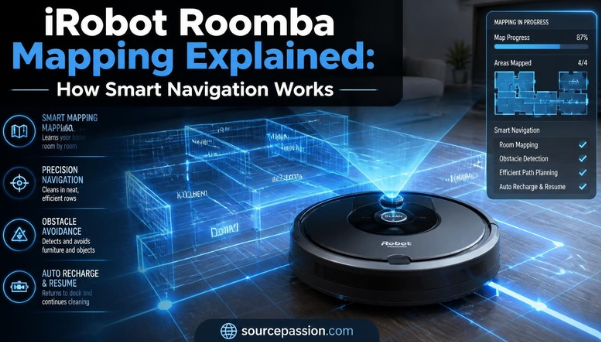
I love smart home gear. My robotic vacuum is my favorite tool. It cleans my floors every day. But how does it know where to go? Let us look at how these vacuums find their way. Old robotic vacuums just bumped into walls. Today, they are much smarter. They build a map of your rooms. This helps them clean in neat lines. They do not miss a single spot. You can buy a smart vacuum on AMAZON to save time. It will map your home fast. Let us see how this cool tech works in your house. A good map makes cleaning fast. The vacuum learns where your tables and chairs are. It knows the best path to take. This saves power and keeps your home clean.
How iRobot Roomba Mapping Works
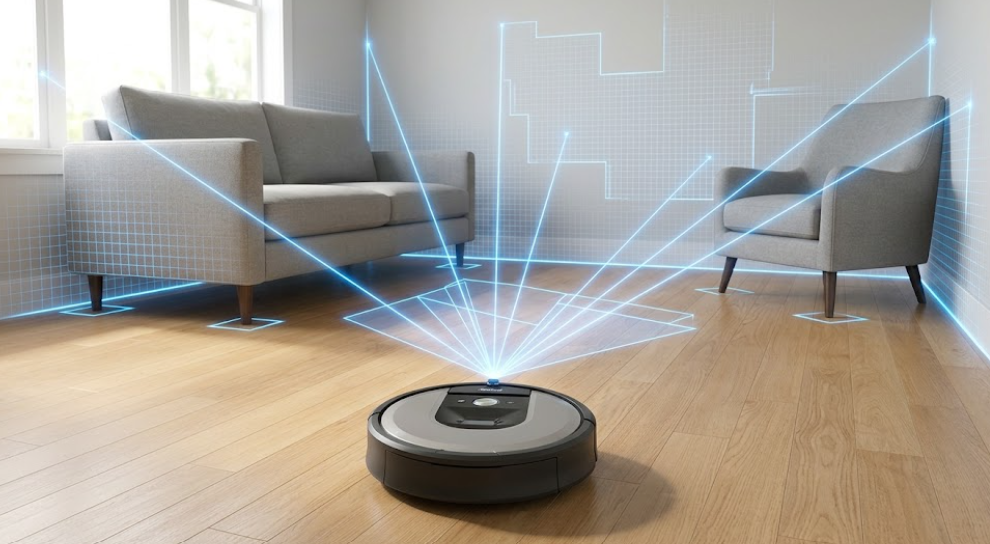
Most new models use a small camera. They see your home. The robot looks at walls and doors. It finds landmarks in each room. This helps it know its exact spot on the floor. This system tracks where the robot has been. It also plans where the robot needs to go. The robot saves this path in its memory. It builds a map over time. Some models also use light sensors. These sensors scan the floor to find dirt. The vacuum combines all this data. It makes a clean map report on your phone when it is done. The map shows exactly where the vacuum cleaned. You can see any spots it missed. This gives you peace of mind. You know your floors are clean and fresh.
The Power of vSLAM Technology
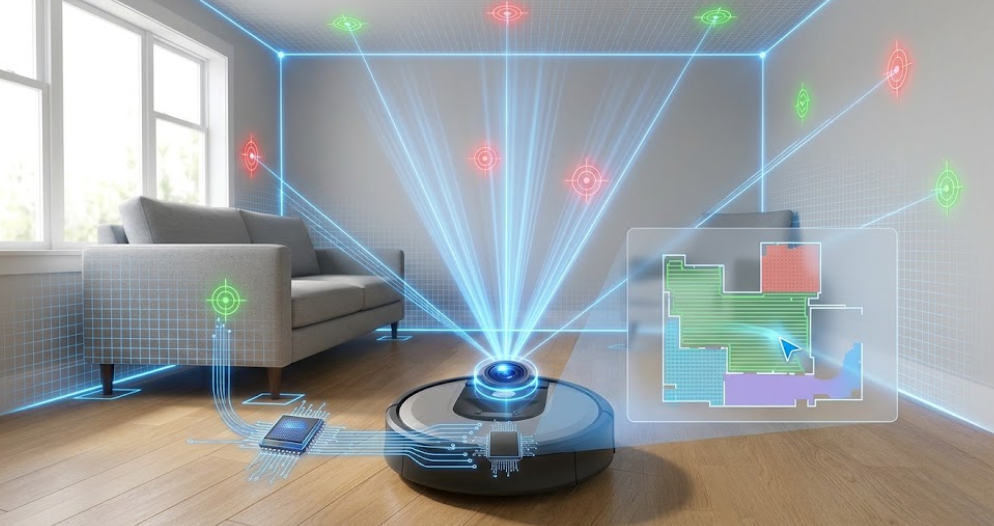
This clever system is called vSLAM technology. It is just visual mapping. The robot uses its camera to map. It takes many quick pictures as it moves around your nice home. The robot does not save real photos of your rooms. It only looks for points of light and dark. This keeps your data safe. You do not have to worry about privacy. The robot also counts wheel turns. This helps it measure distance. It knows how far it has traveled. It combines this with camera data to make a perfect map. This smart tech works best in bright rooms. The camera needs light to see the landmarks. If a room is too dark, the robot might get lost on its way.
How to Map a House with iRobot Roomba
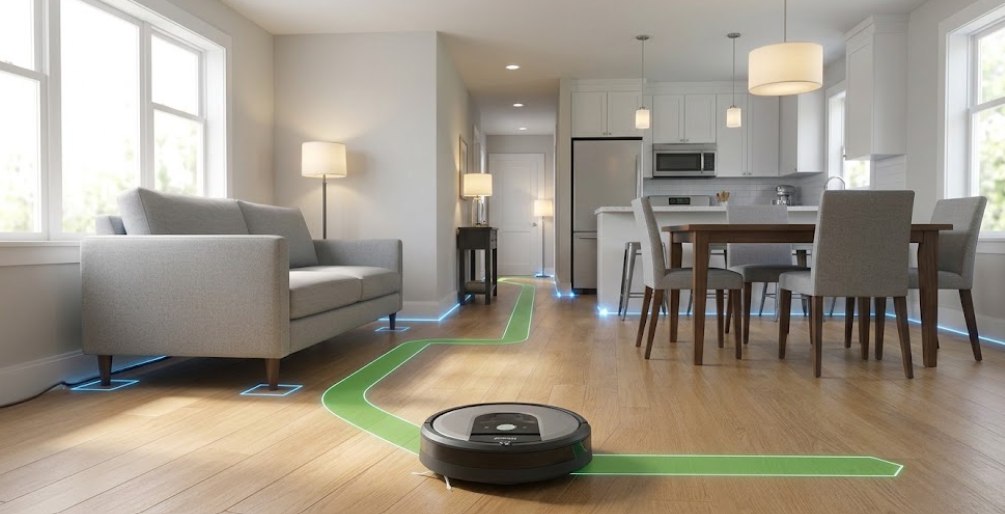
You must use the iRobot Home App to start. First, tidy up your floors. Pick up loose cords, toys, and shoes. This helps the robot move around without getting stuck. Open all the doors in your house. This lets the robot enter every room. If a door is shut, the robot cannot map that space. You want a complete map. Make sure your home has bright lights on. The vacuum camera needs light to see. Turn on lamps in dark halls. This helps the robot find its way around easily. Place the home base in an open area. The robot needs space to leave and return. Do not block the base with furniture. This keeps the mapping process smooth.
What is a Roomba Mapping Run?
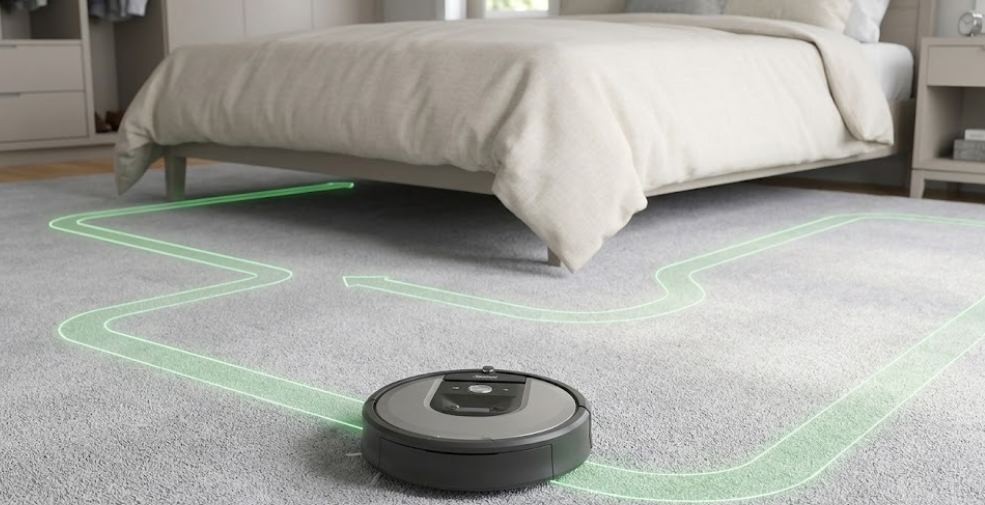
Next, run a Roomba mapping run. This is a special run where the vacuum does not clean. It just drives around to learn your home. This makes the map much faster. The robot does not use its vacuum motor during this run. This saves a lot of battery life. The robot can map for a long time without needing a charge. How long does it take for Roomba to map a house? It usually takes three to five runs. This depends on your home size. A big house will take more time. You can watch the map grow in the app. Each run makes the map more clear. Once the map is fully done, the app will send you a note.
Tips for Setting Up Imprint Smart Maps
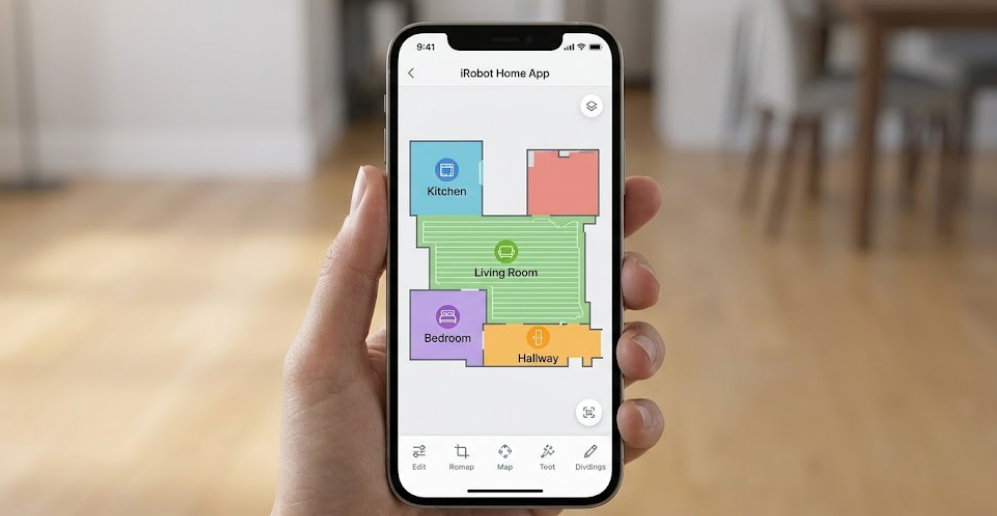
Once the map is ready, you can edit it. The app will guess where your rooms are. You can adjust these lines to match your real walls very easily. Give each room a simple name. You can use names like kitchen, bedroom, or hallway. This makes it easy to tell the robot where to clean in your home. You can find these smart vacuums on AMAZON to make your life simple. They do all the hard work for you. You can sit back and relax. You can also set up cleaning schedules for each room. Clean the kitchen after breakfast. Clean the living room at night. The app makes this very simple to do.
Can Roomba Map Multiple Floors?
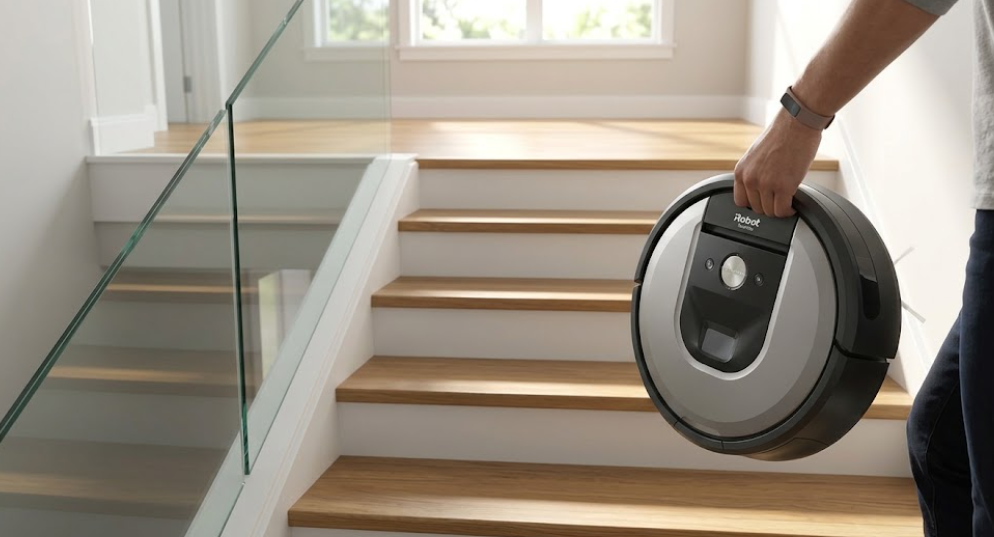
Can Roomba map multiple floors? Yes, it can. Imprint Smart Maps let you save up to ten maps. Just carry the robot to the next floor. It knows where it is. You do not need a second home base for each floor. The robot will start cleaning from where you put it down. It will return to that spot when done. Make sure to run a mapping run for each new floor. The robot will save each floor as a new map. You can name them First Floor and Second Floor. This makes the vacuum great for large homes. You can clean the whole house with one robot. Just carry it up the stairs and let it do its job.
How to Set Up Keep Out Zones
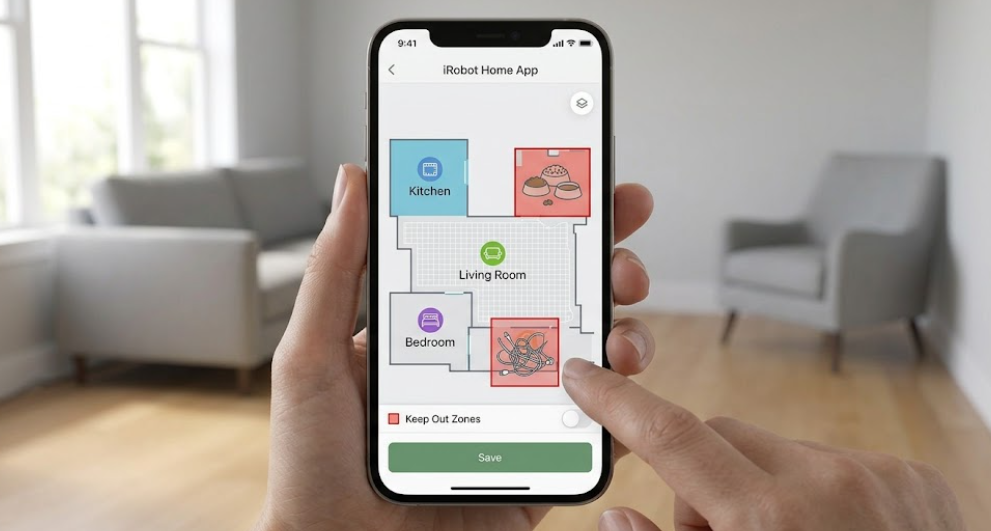
You can set up keep out zones in the app. These are areas the robot should avoid. I use them around pet bowls and messy cords. The robot will stay away. To do this, open your map in the app. Draw a small box over the area you want to block. Save the changes to update your robot right away. You can also make clean zones. These are spots that need extra cleaning. I put one under the dining table. The robot cleans up food crumbs there every day. These zones give you full control over your robot. You do not have to close doors or use physical barriers. The app handles everything with a few taps.
Roomba Mapping Comparison and Specs
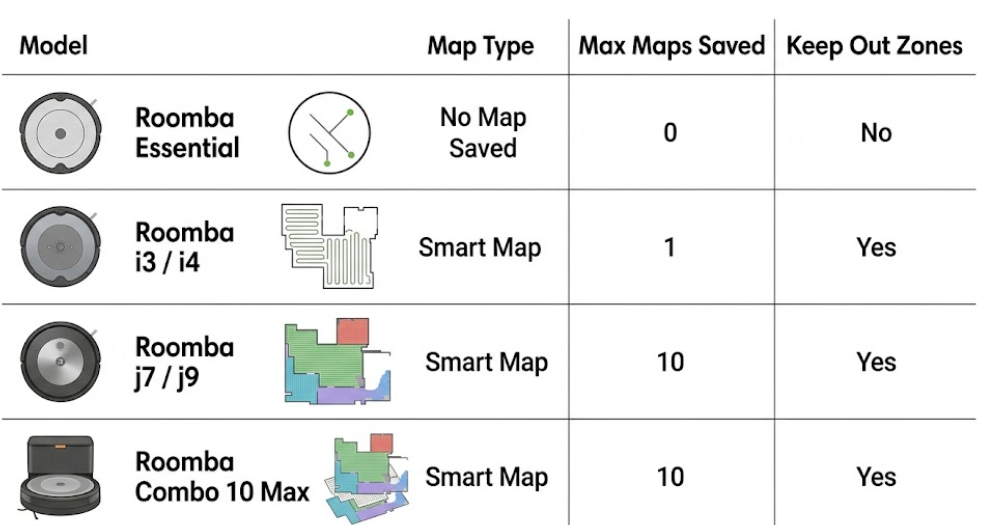
Not all models map the same way. Some use simple path tracking. Others use cameras to see. Let us compare the mapping features of some popular models in this table.
| Model | Map Type | Max Maps | Keep Out Zones |
|---|---|---|---|
| Roomba Essential | No Map Saved | 0 | No |
| Roomba i3 / i4 | Smart Map | 1 | Yes |
| Roomba j7 / j9 | Smart Map | 10 | Yes |
| Roomba Combo 10 Max | Smart Map | 10 | Yes |
The j7 and j9 models have great Roomba obstacle avoidance. They can see pet waste and cords on the floor. They will drive around them. This keeps your home safe. Cheaper models like the Roomba Essential do not save maps. They clean in neat rows but forget the layout when done. They are best for small homes. If you want the best mapping, choose a model with a camera. These models are smart and fast. You can find them on AMAZON right now.
Why is My Roomba Not Creating a Floor Map?
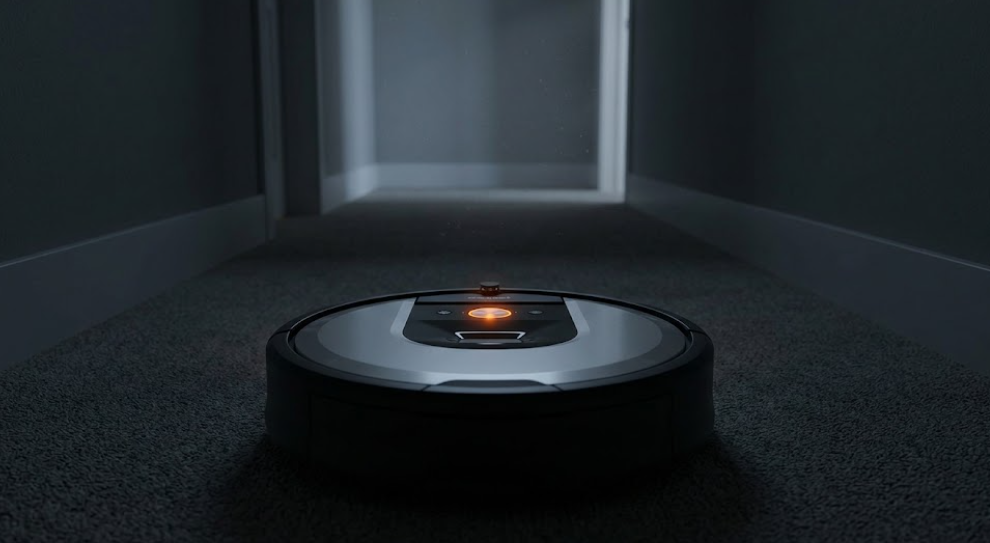
Why is my Roomba not creating a floor map? This often happens because the lights are too low. The camera needs light to see. Try turning on the lights next time. The robot can also get stuck on thick rugs. This stops the mapping run. Keep doors open so the robot can enter every room. This helps it make a full map. Sometimes the robot gets lost if you pick it up. Do not move the robot while it is mapping. Let it finish the run and go back to its base. A weak Wi-Fi signal can also cause issues. The robot needs a good connection to send map data to your phone. Make sure your router covers your whole home.
How Do I Reset My Roomba Smart Map?
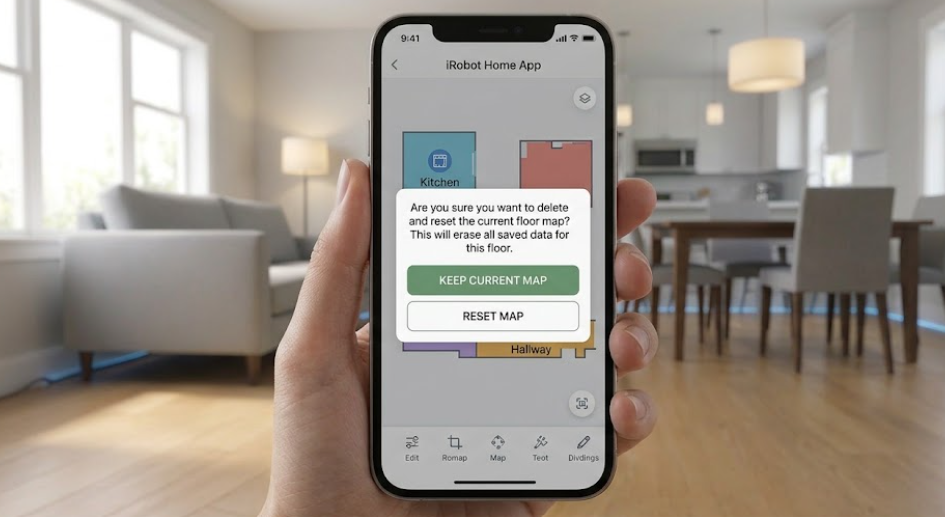
How do I reset my Roomba smart map? Open your app and select your map. Click the three dots and choose delete. Then you can start a new mapping run. You might need to do this if you move your furniture. A big change in your home can confuse the robot. A fresh map will fix this problem quickly. You can also update an existing map. If the robot finds a new room, it will ask to add it. You do not always have to delete the whole map. Keep your robot sensors clean to avoid map resets. Wipe the camera lens with a soft cloth. This helps the robot see clearly and keep its map accurate.
Pros and Cons of Roomba Smart Navigation
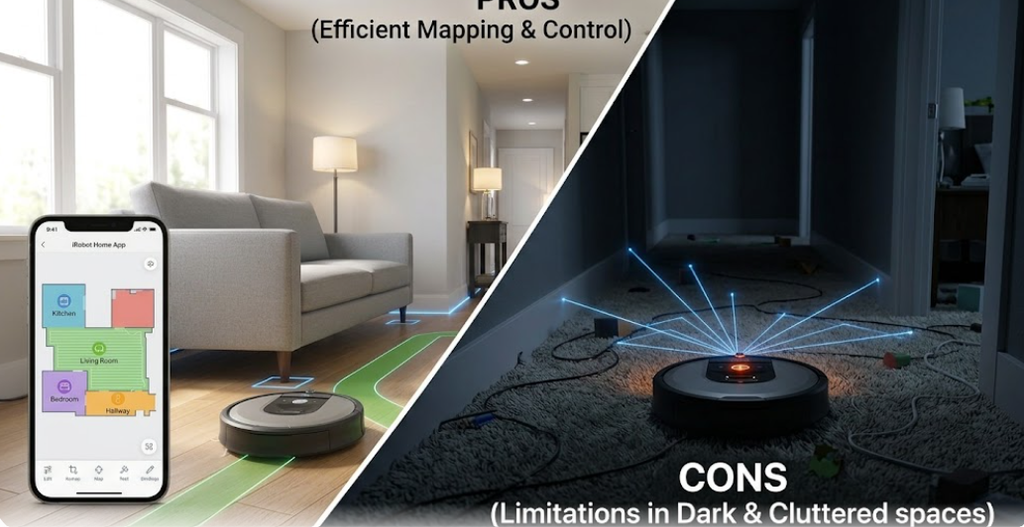
These smart maps save a lot of time. You can clean specific rooms with one tap. The keep out zones protect your items. The maps are very easy to edit. But these robots can cost more money than basic models. They also need some light to map. They might struggle in homes with very dark floors or walls. The setup takes a few days of mapping runs. You must be patient at first. But once the map is done, the vacuum works on its own. It is worth it. The app is very simple to use. It gives you clear reports after each job. You can see exactly where the robot cleaned and how long it took.
Final Verdict on iRobot Smart Maps
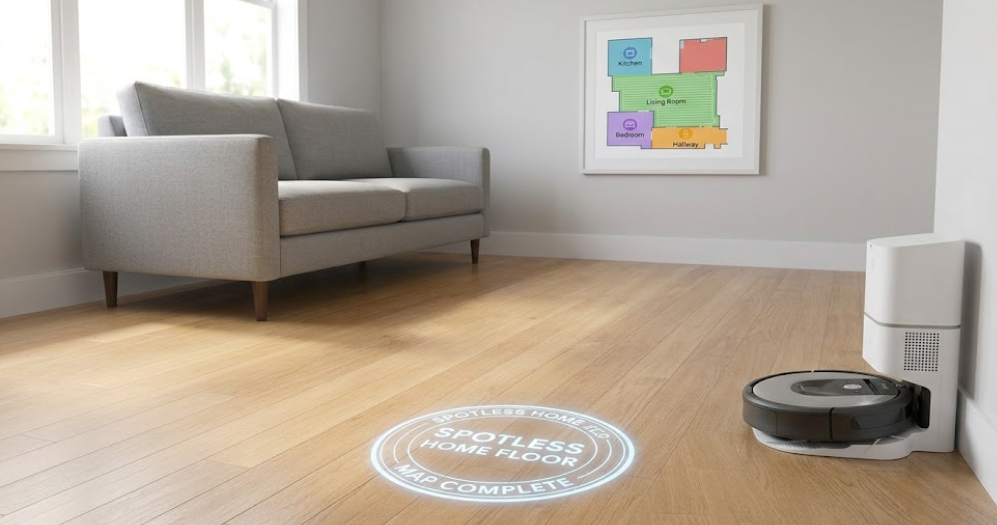
Smart mapping makes cleaning very easy. I love how these robots learn our homes. They save us time and work. They are a great fit for any smart home. If you want a clean home without the effort, buy a smart Roomba. It is a smart choice for busy people. It keeps your floors spotless every single day. You can find great deals on these robots on AMAZON. Choose the model that fits your budget and home size. You will love the clean floors. Smart home tech should make life simple. iRobot does just that. With smart mapping, you can forget about vacuuming. Let the robot do the hard work for you.
Frequently Asked Questions
How does Roomba map your house?
The robot uses a camera and vSLAM to see landmarks in your home. It also counts wheel turns to track its path and build a map.
Why is my Roomba not creating a floor map?
This usually happens due to low light, closed doors, or if the robot gets stuck. Make sure to turn on lights and clear clutter.
Can Roomba map multiple floors?
Yes, many models can save up to ten different maps. You just carry the robot to the new floor and let it run.
How do I reset my Roomba smart map?
Open the iRobot Home App and select your map. Tap the three dots in the corner and choose delete to start over.